Understanding how data flows through your iOS apps can feel overwhelming. You’re not alone—many people assume it’s complicated when it’s actually a series of simple steps.
Let’s break it down without the buzzwords.

Data Sources: Where Your Information Comes From
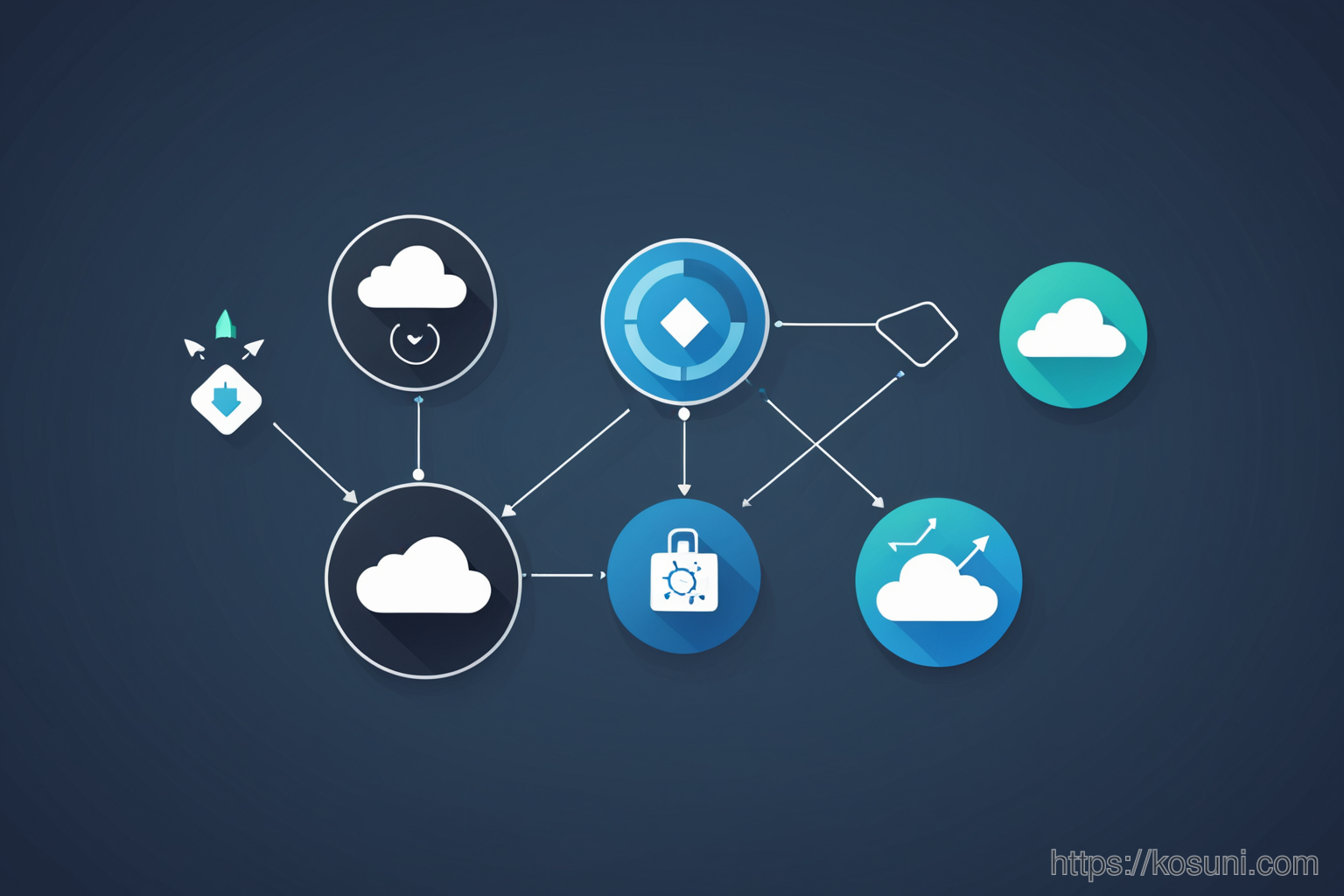
Your iPhone collects data from multiple places—your apps, cloud services, and even your location. But not all sources are equal.
- First-party apps (like Notes) store data directly on your device
- Third-party services (like Google Drive) require internet access to sync
- System-level features (like Health) manage sensitive information securely
Data Permissions: Who Gets to See What?
Permissions determine how apps interact with your data. They’re not just a pop-up—they shape what you see and share.
You’ve probably seen this: an app asks for “Location” or “Contacts.” But why does it need that? And what happens if you say no?
Syncing: Keeping Data Up to Date
Syncing ensures your data stays consistent across devices. It’s like having a shared notebook between friends—everyone updates it together.
But syncing can slow down if too many apps try to update at once. A simple fix? Check which apps are set to sync automatically.
Data Privacy Controls: Your Personal Levers
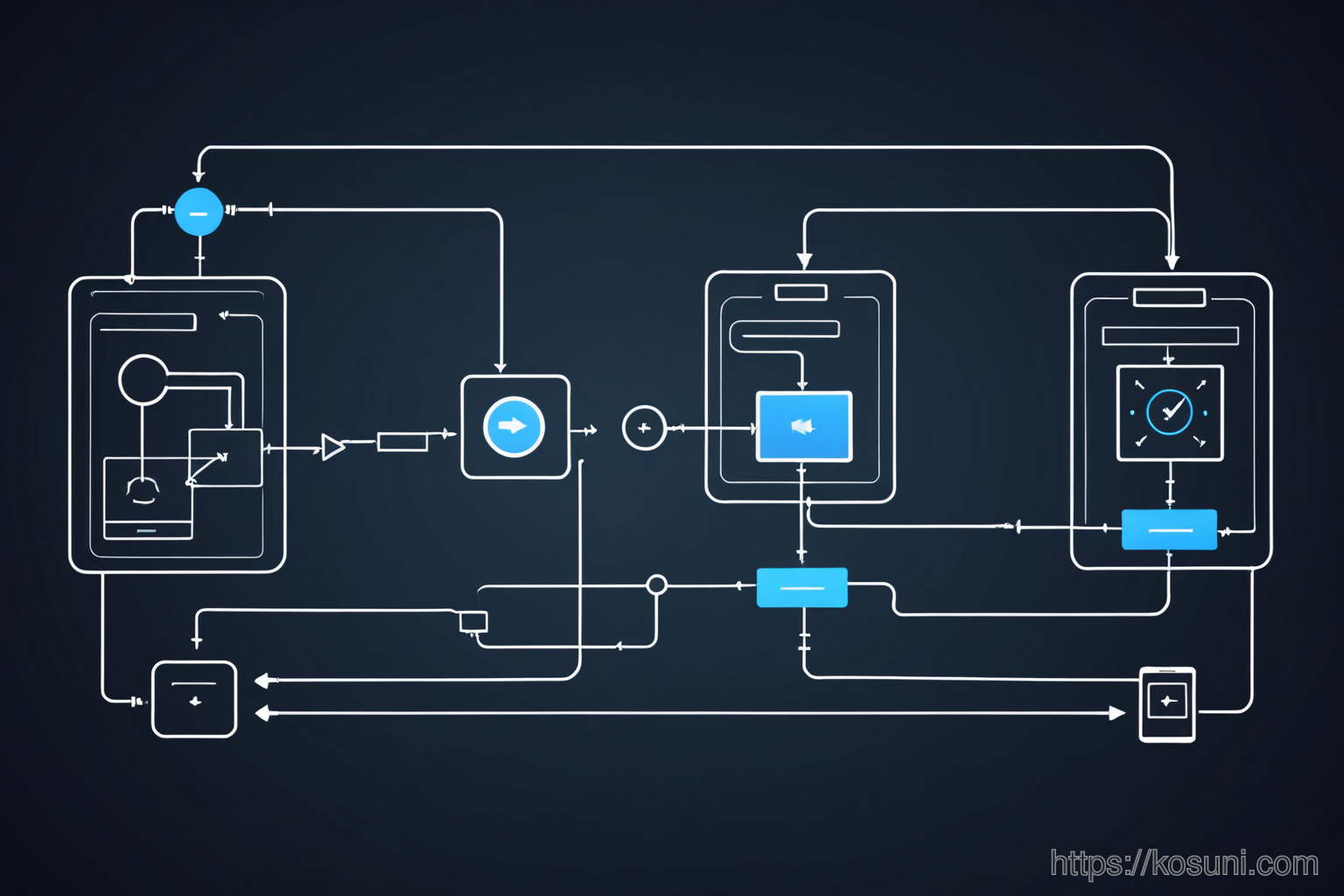
iOS gives you direct control over how data is used. Think of it as a dashboard for your information flow.
For example, you can choose to let apps access your location only while using them—not all the time. This reduces unnecessary tracking without sacrificing functionality.
The Checklist: Simplify Your Data Flow
- Review app permissions monthly—remove those you don’t use
- Turn off background app refresh for non-essential apps
- Use iCloud settings wisely to avoid unexpected syncs
Final Takeaway: It’s All About Clarity
Data flow doesn’t have to be confusing. By understanding these basics, you can make informed choices that save time and reduce stress.