Google accounts can sometimes get stuck in a sign-in loop on Chrome. It’s frustrating—but it usually boils down to cookie issues that don’t require account resets or data loss.
Think of cookies as digital keys to your sessions. When they’re mixed up, you might see endless login pages instead of access.
1. Check for conflicting browser extensions
Some ad blockers or privacy tools interfere with Google’s sign-in flow by blocking cookies needed to maintain your session.
Start by disabling all extensions one at a time and testing logins after each. If the loop stops, you’ve found the culprit.
2. Clear only Google-related cookies
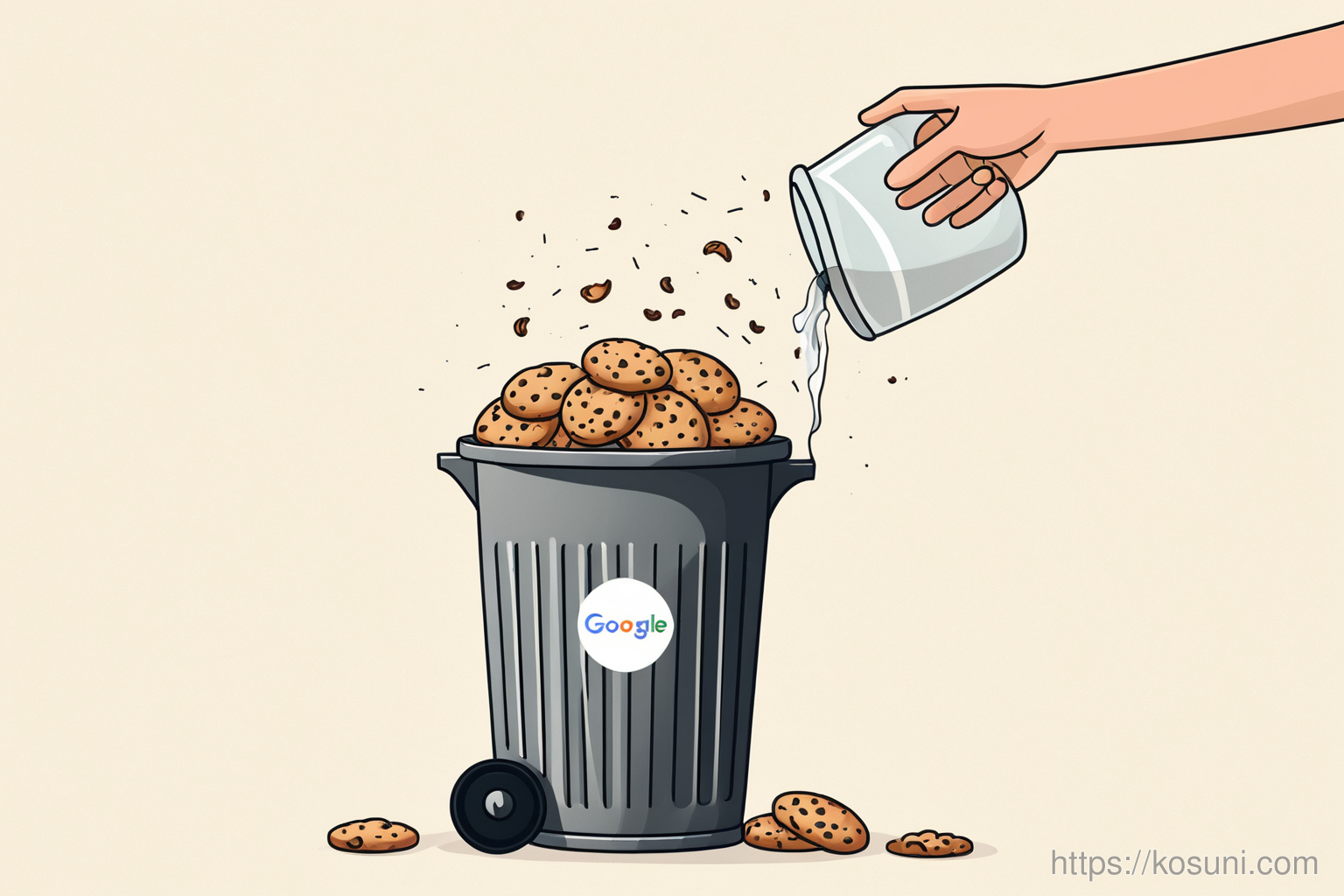
Don’t clear everything—just the cookies for google.com and accounts.google.com. This avoids breaking other logins.
Go to Chrome Settings > Privacy > Cookies and site data, then search for those domains before clearing them.
3. Check your network settings
Corporate or public Wi-Fi networks sometimes block cookies used by Google services. Try switching to mobile data or a trusted home network.
If you’re using a proxy, check that it’s not filtering out Google’s domain cookies.
Final thoughts
The loop is almost always fixable without resetting your account. It’s about finding the right cookie key for your session.