Web authentication can feel overwhelming. You’ve got passwords, 2FA, biometrics, and more—each with its own trade-offs. But you don’t need to understand every detail. Here’s how to choose what works for your daily routine.
The right method is one that fits without making your day harder.
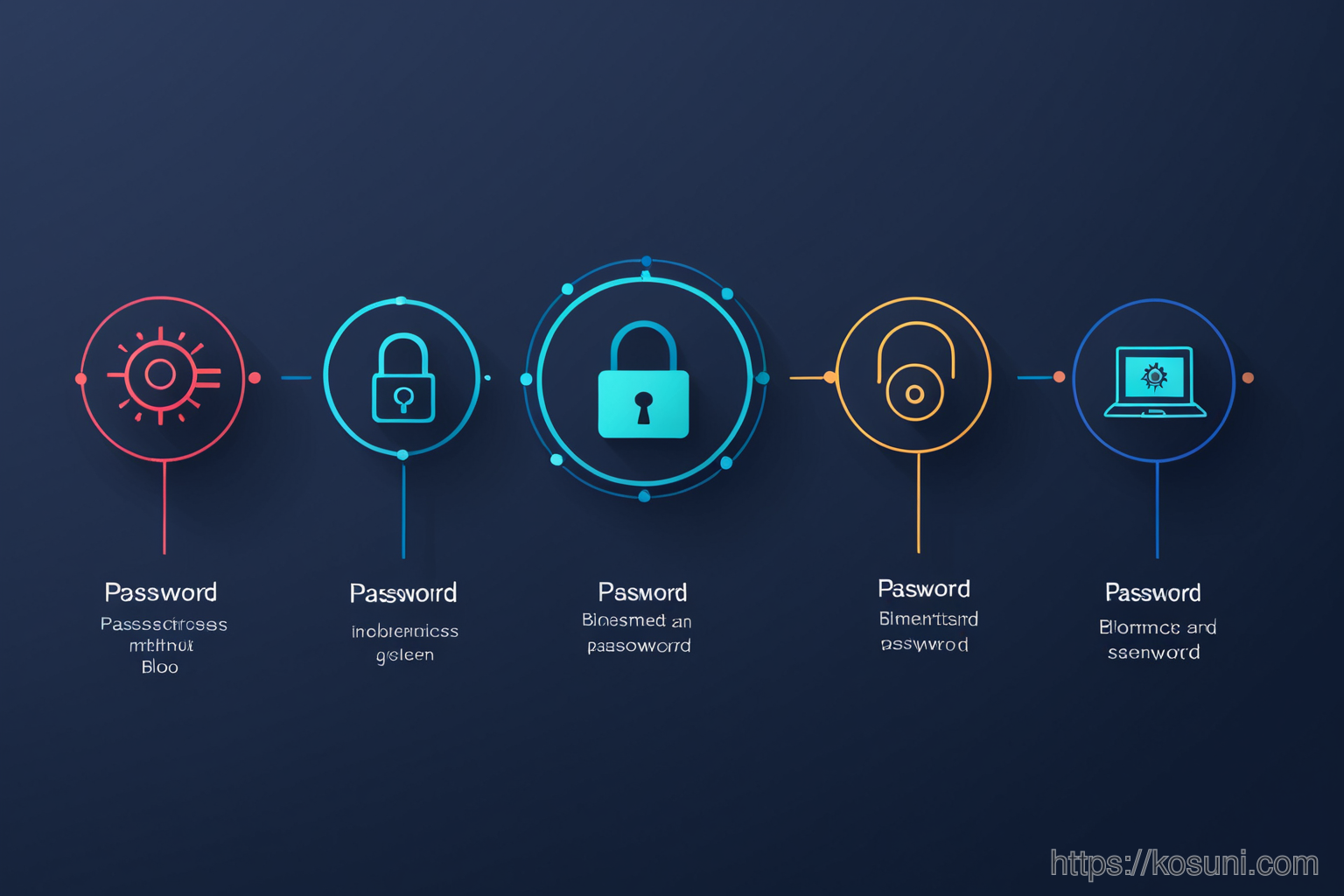
What Authentication Methods Exist?
- Passwords: Still the most common, but risky if reused or weak.
- Two-Factor (2FA): Adds a second step—like an app code or text message—to verify your identity.
- Biometrics: Uses fingerprint or facial recognition for quick logins.
- Passwordless: Relies on secure tokens instead of passwords, often via email or phone.
When to Use What?
Not all methods suit every situation. Here’s a quick guide:
- Passwords: For low-risk sites like blogs or newsletters.
- 2FA: Essential for banking, email, and social media accounts.
- Biometrics: Great for devices you use daily (like your laptop).
- Passwordless: Ideal for sites that support it—reduces the risk of stolen passwords.
How to Set It Up on Windows
Windows makes authentication easier with built-in tools. Here’s how to get started:
- Use Microsoft Accounts: Links your login across apps and services.
- Enable Biometrics: Go to
Settings > Sign-in optionsand set up fingerprint or face recognition. - Add 2FA: For accounts like Google, enable it in the security section of your account settings.
Common Pitfalls to Avoid
Authentication isn’t just about picking a method—it’s about avoiding common mistakes that make things harder:
- Using the same password across multiple sites.
- Choosing SMS-based 2FA when app-based is available (less secure).
- Disabling biometrics because you think it’s too risky—actually, it’s safer than weak passwords.
Checklist: Your Authentication Setup
- ✓ Enable 2FA on high-risk accounts (email, banking).
- ✓ Use a password manager for unique, strong passwords.
- ✓ Set up biometrics for your main device.
- ✓ Check if sites support passwordless login (Google does).
What to Do Next?
The goal isn’t perfection—it’s progress. Start with just one change, like enabling 2FA on your email account.