Ever logged into a Google or Apple service on Safari and seen the message: 'Your account needs permission'? It’s not about security—just a minor glitch that can be fixed in seconds. No resets, no data loss.
This happens when Safari gets confused about your session state after an update or app switch.
1. Check Your Browser Settings
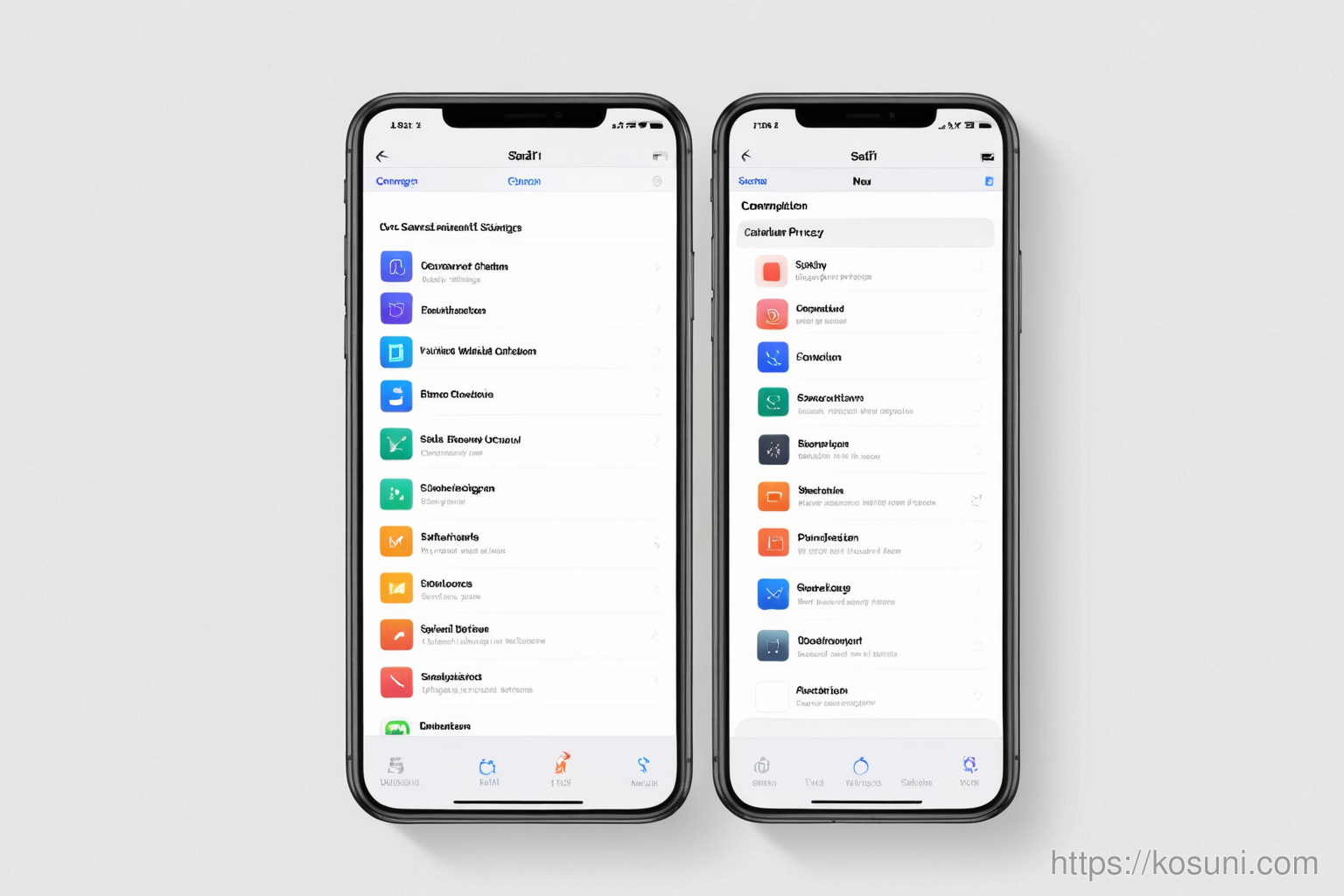
Go to Settings > Safari and make sure "Prevent Cross-Site Tracking" is off for the site you’re trying to sign in to.
- Tap on "Privacy & Security"
- Select "Tracking Prevention"
- Choose "Never" or "All Websites"
2. Clear Safari Data (Gently)
Clearing site data, not your entire history, will reset the session without deleting bookmarks or passwords.
- Go to Settings > Safari
- Scroll down and tap "Advanced"
- Tap "Website Data" and delete only the relevant site
3. Final thoughts
This fix works for most Google, Apple, and Microsoft services on iOS Safari.
It’s a small tweak that avoids unnecessary account resets or frustration during sign-ins.