Microsoft accounts sometimes get stuck at the login screen—no error messages, no redirects, just a blank page waiting for you to type your email. It’s frustrating because it looks like the site is broken, but the fix is simple.
It’s not about cookies or network settings.
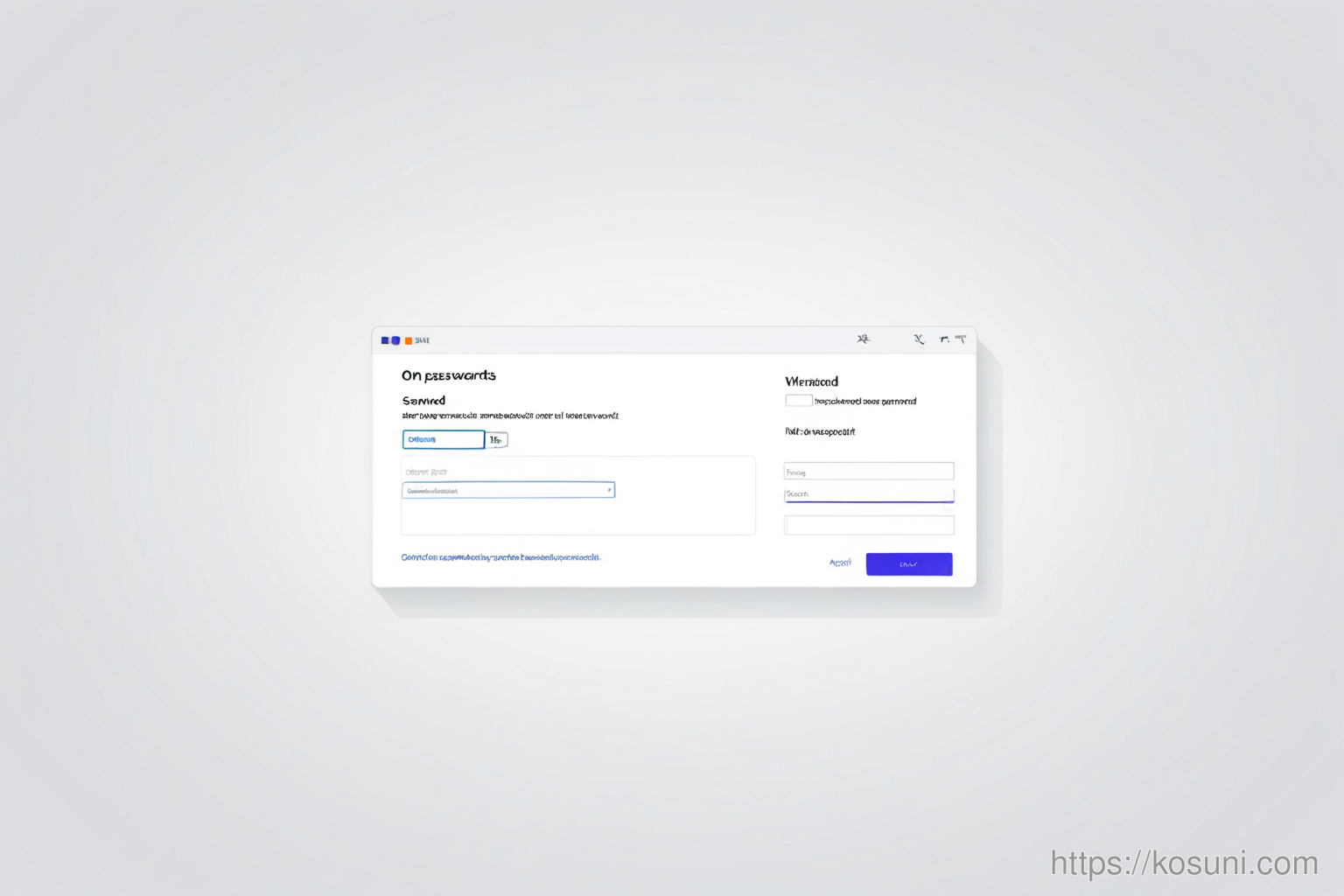
1. Check Your Browser’s Saved Passwords
If your browser auto-filled your password and it’s outdated, you’ll get stuck on a blank screen after typing your email. This happens when Microsoft changes its login system but your browser still tries to use an old format.
2. Clear the Browser Cache
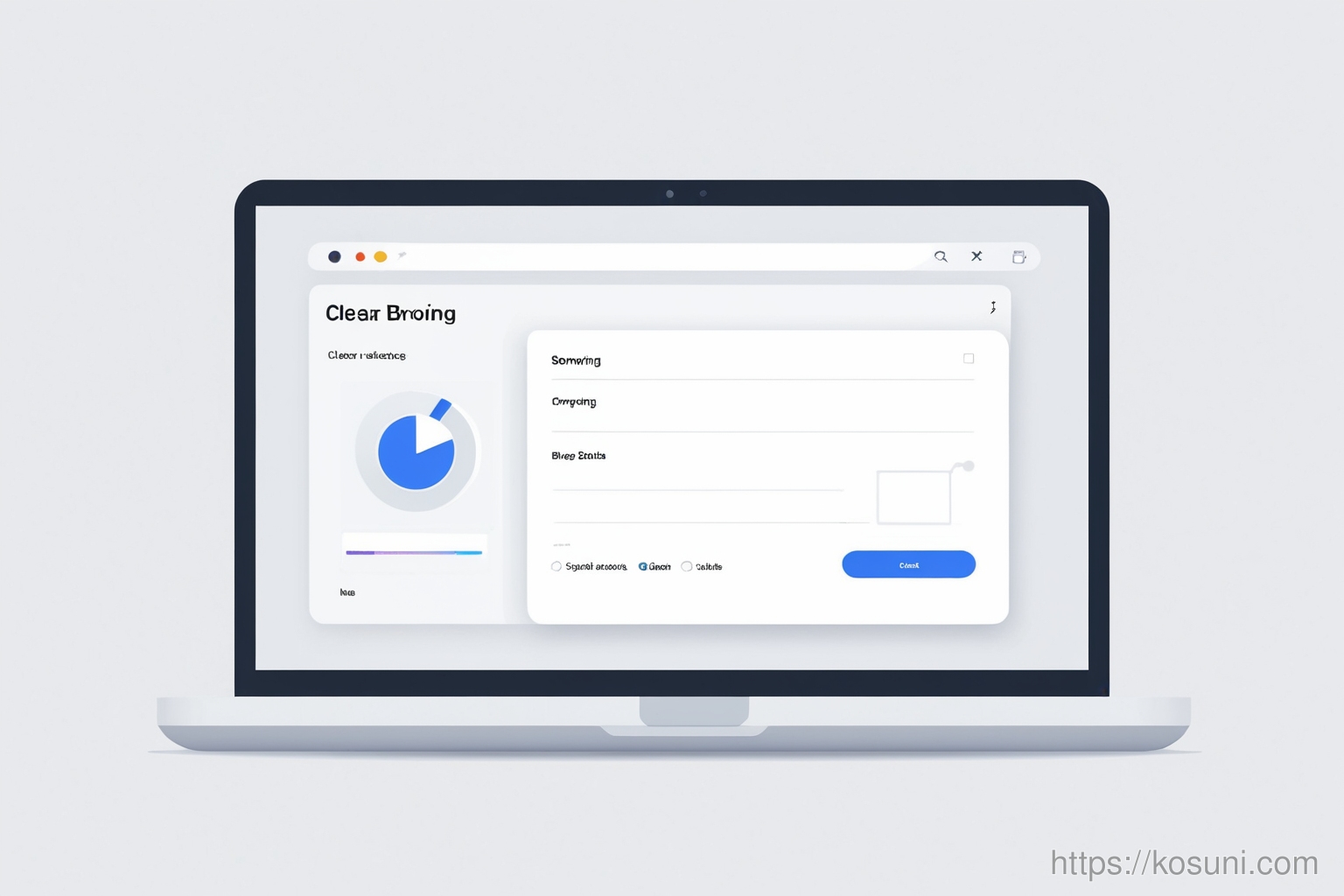
Browsers sometimes cache old versions of Microsoft’s login page. A fresh load can fix this without deleting any saved data.
- Go to Settings → Privacy and Security → Clear Browsing Data
- Select "Cached images and files" only
- Click "Clear data" and reload the Microsoft sign-in page
3. Try a Different Browser Tab or Window
Sometimes, just opening a new browser window can reset the login state without clearing anything.
If that doesn’t work, try a different browser entirely—like Firefox if you’re using Chrome—or vice versa.
Final thoughts
This issue is rare but easy to fix once you know it’s about saved passwords or cached data. No resets needed, no complicated steps.
Most of the time, a single click in your browser settings will solve it.