Google sign-in loops on Android can be frustrating. You enter your password, but the app keeps bouncing back to the login screen. This usually isn’t a password issue—it’s a cookie glitch hiding in plain sight.
Don’t reset apps or wipe your account just yet.
1. Clear Google Services Cookies
This is the most common fix. Your device stores temporary login data (cookies) that sometimes get corrupted. Clearing them often breaks the loop instantly.
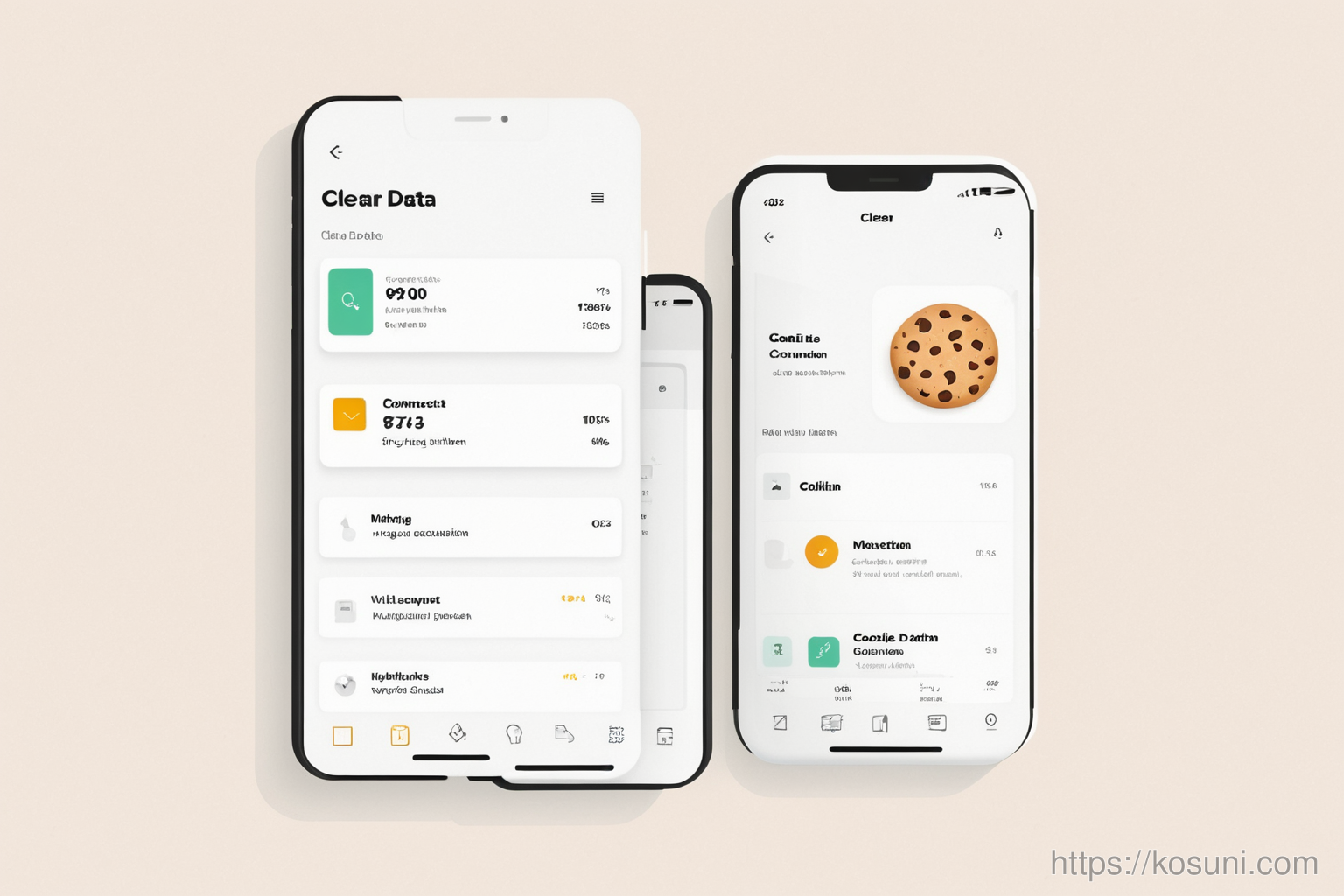
To do this, go to Settings > Apps > Google Services > Storage > Clear Data > Select "Cookies" and confirm.
2. Check for App Updates
An outdated app might trigger the loop. Open the Play Store, search for "Google Services", and update if available.
If updates aren’t showing up, try restarting your device first.
3. Disable Cookie Sync (Advanced)
Some devices sync cookies across browsers or apps. This can cause conflicts with Google’s login flow.
Go to Settings > Accounts > Sync and turn off "Sync for all accounts" temporarily.
Final thoughts
This loop usually resolves in one or two steps. If it persists, your Google account might be flagged for security reasons—but that’s rare. Most cases are simple cookie resets.
Keep this checklist handy for future sign-in hiccups.